
Share Instant Reaction Videos for Breaking Moments With Dreamina AI
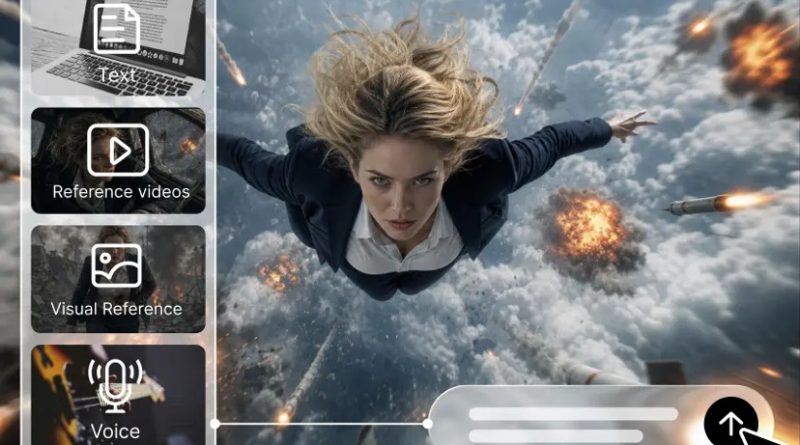
Reaction videos are used by creators to react to public announcements, entertainment releases, viral trends, and cultural developments. They tend to be successful if they have a good beginning, a familiar context, and a short comment. Dreamina AI helps take a written concept to illustrative video scenes—even if you didn’t have recorded video content to work with. You can create visual hooks, dramatic transitions, and symbolic imagery to support your own point of view. But created images must never seem to suggest that a certain event has occurred. Keep audiences from losing trust due to confusion between the creative illustrations and the verified footage, verified information, and personal opinion.
Identify the Right Format for a Breaking-Moment Reaction
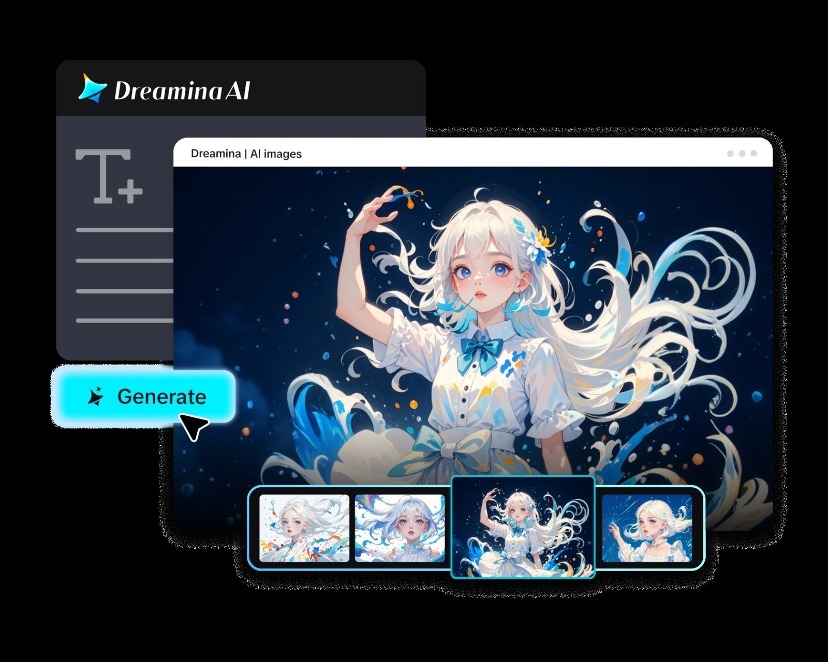
Select a reaction type that is suitable to the development and the message you are trying to convey. The Dreamina text to video workflow can help brainstorm video ideas for various types of commentary. Expressive framing and a clear headline can be used to present a major update with an announcement reaction. Surprise can be created through dramatic lighting, pauses, and well-timed changes in visual elements. Illustrative scenes, which explain the popular online conversation without the duplication of unverifiable claims, can be used in trend commentary. Reactions to entertainment may be symbolic images that were drawn from fictional narratives or from public releases. Explainer reactions are done through sequences of images that help to explain complex situations, and funny commentary is done with exaggerated and obviously fictional scenarios. Each format should reinforce your point of view and not be a substitute for reporting, evidence, and/or original analysis.
Build a Rapid Creative Workflow Without Sacrificing Accuracy
Having a solid workflow keeps fact-checking and visual production separate so you can act swiftly without inaccurate information. Always check the announcement against appropriate primary sources, official statements, or reliable reporting. Then, write out your angle: how it developed, what its implications are, celebrate its importance, or criticize it. Give a brief introduction that will convey the subject matter, but don’t overstate the uncertain information. Next, select an illustrative scene, visual metaphor, or abstract background that complements the message. From that concept, Dreamina AI can create a visual draft as the first step to the final image. Lastly, before publishing, include verified facts, captions, commentary, and context. While AI can aid in the visual analysis process, it cannot make decisions on its own regarding the truth of breaking claims.
Steps to Share Instant Reaction Videos for Breaking Moments With Text to Video
🎓 Explore Jobs by Qualification
Explore the latest job opportunities in J&K and across India based on your educational qualification.
Step 1: Log in and write your reaction prompt
- First, sign up or log in to Dreamina so you can turn breaking moments into videos.
- Next, go to the “Create” tab in the left menu and choose the “AI video”
- Later, write a detailed prompt describing the moment, the mood, the sound, the background, the theme, and the concept.
Step 2: Select a model and lock in your settings
- Next, check the bottom of the dialogue box and pick a model that matches your speed needs.
- The list includes Dreamina Seedance 2.5, Dreamina Seedance 2.0, Dreamina Seedance 2.0 Fast, Dreamina Seedance 2.0 Mini, Dreamina Seedance 1.0, and others.
- Click “Omni reference” to steer the AI with multiple reference images and keep the visuals accurate.
- Set a custom frame shape and output quality through the “Aspect ratio” and “Resolution”
- Finally, press the “Generate” tab to start building your reaction clip.
Step 3: Tweak the reaction and post it fast
- If the first version misses the mark, try “Edit prompt” or “Regenerate” to improve it.
- You can also reshape the clip with the “Edit video”
- Moreover, “Edit segment” lets you fix a single moment without touching the rest.
- Choose “Extend video” to add more runtime, or use “Creative upscale” to boost the quality.
- Dreamina gives you complete freedom to adjust your reaction video as you see fit.
- Finally, click the “Download” tab in the top right corner to save the file locally.
Use Visual Hooks to Make Reaction Videos Instantly Understandable
Effective visual hooks convey the topic matter quickly and are not overblown. Here are some things to keep in mind when using Dreamina AI to generate reaction scenes:
- Sudden reveal: Start with a covered item or a blacked-out stage and then reveal a pertinent symbol.
- The Visual Question: Present an unexpected scene that engenders curiosity before your commentary gives an explanation about the issue.
- Rapid contrast: Change from a calm mood to energetic imagery; there’s meaningful change!
- Conceptual Metaphor: Use dominoes, chessboards, or moving structures to show options.
- Split Perspective: Compare two settings and present alternative interpretations or perspectives.
- The Clean Opening Frame: Make sure there’s a clean frame for a short headline you add in the editing process.
Correlate each visualization technique with the actual topic. When a small announcement is done in a crisis manner, dramatic imagery can create a sense of distortion.
Write Prompts That Support Different Reaction Styles
Good prompting links the words to the intended emotions of the commentary. State the kind of mood you want the scene to have (urgent, curious, skeptical, celebratory, funny). Explain camera movement, lighting, colour, composition, and pacing—don’t just use vague instructions. When it is not possible to reliably represent specific locations, people, and event details, Dreamina AI can generate abstract imagery. Don’t create believable traces of untrue occurrences. Distinguish between invented speech and authentic quotes and tape-recorded statements.
For instance, the following prompt could be used: ‘A filmic visual metaphor for a surprising technology presentation: a dark modern studio, subtle particles swarming across the frame, controlled camera push-in, high-contrast lighting, energetic and restrained atmosphere and uncluttered headline space.
Edit for Speed, Clarity, and Responsible Publishing
Try to give viewers information about your subject as soon as possible, near the beginning of your commentary. Provide written captions that are good for comprehension if audio is not available. Before publishing, verify names, dates, quotations, statistics, and the facts of events. If viewers may be confused between illustrative AI-generated scenes and real footage, clearly label them. Don’t manufacture eyewitness points of view, false emergencies, and misleading depictions of public figures. Utilize approved music, pictures, and reference materials during editing. Update the video or release a correction if your interpretation is altered due to new information. Dreamina AI’s generation and editing tools are designed to facilitate creative changes, with the creator taking editorial responsibility.
Conclusion
Dreamina AI assists creators in generating timely reaction visuals with its prompt-based generation, flexible adjustments, and targeted editing. These capabilities help to comment on announcements, entertainment, internet trends, and cultural conversations. But speed should never take precedence over verification, context, or transparency of representation. Let the facts become evident first, select a visual idea, and limit the commentary. Mark the difference between statement and opinion/illustration for audiences to know what they are viewing. Thoughtful, relevant visuals and interpretations make an attention-grabbing reaction video, not manufactured evidence or exaggerated claims.